AUDIOCOM KENYA LTD
PROFESSIONAL WIRELESS AUDIO
Thunder Sound TS-168 Wireless Microphone System in Kenya
Discover the Thunder Sound TS-168 dual wireless microphone system for churches, live performances, events, presentations and professional sound installations. Explore its wireless receiver and handheld microphones at Audiocom Kenya.
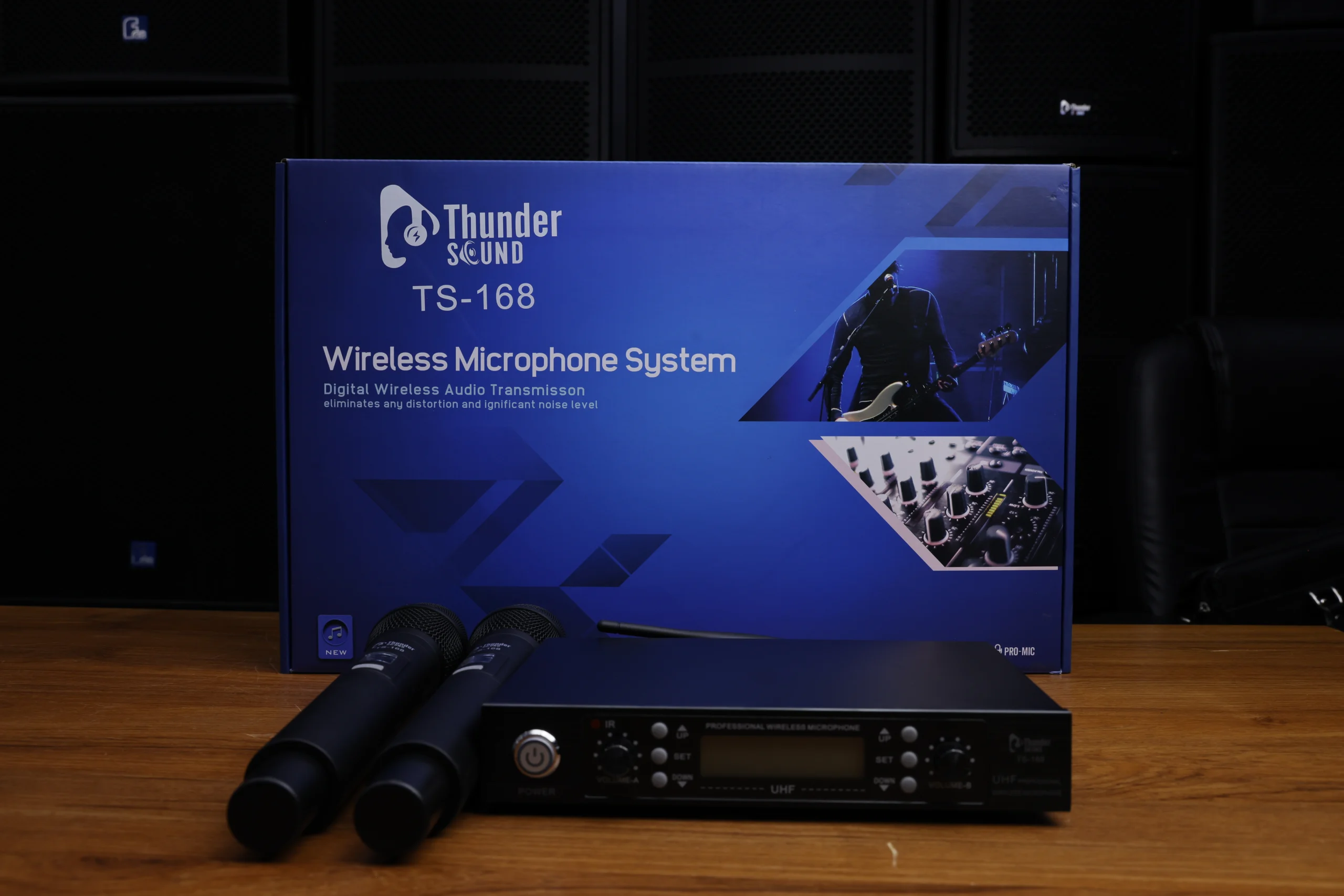
Discover the Thunder Sound TS-168 Wireless Microphone
A dependable microphone system is an important part of a professional sound setup. Whether you are addressing a congregation, hosting a corporate presentation, performing on stage or managing an event, a suitable wireless microphone helps you deliver your message while allowing greater freedom of movement.
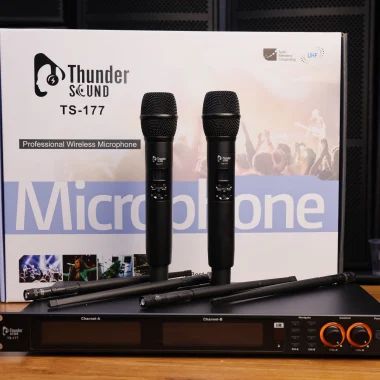
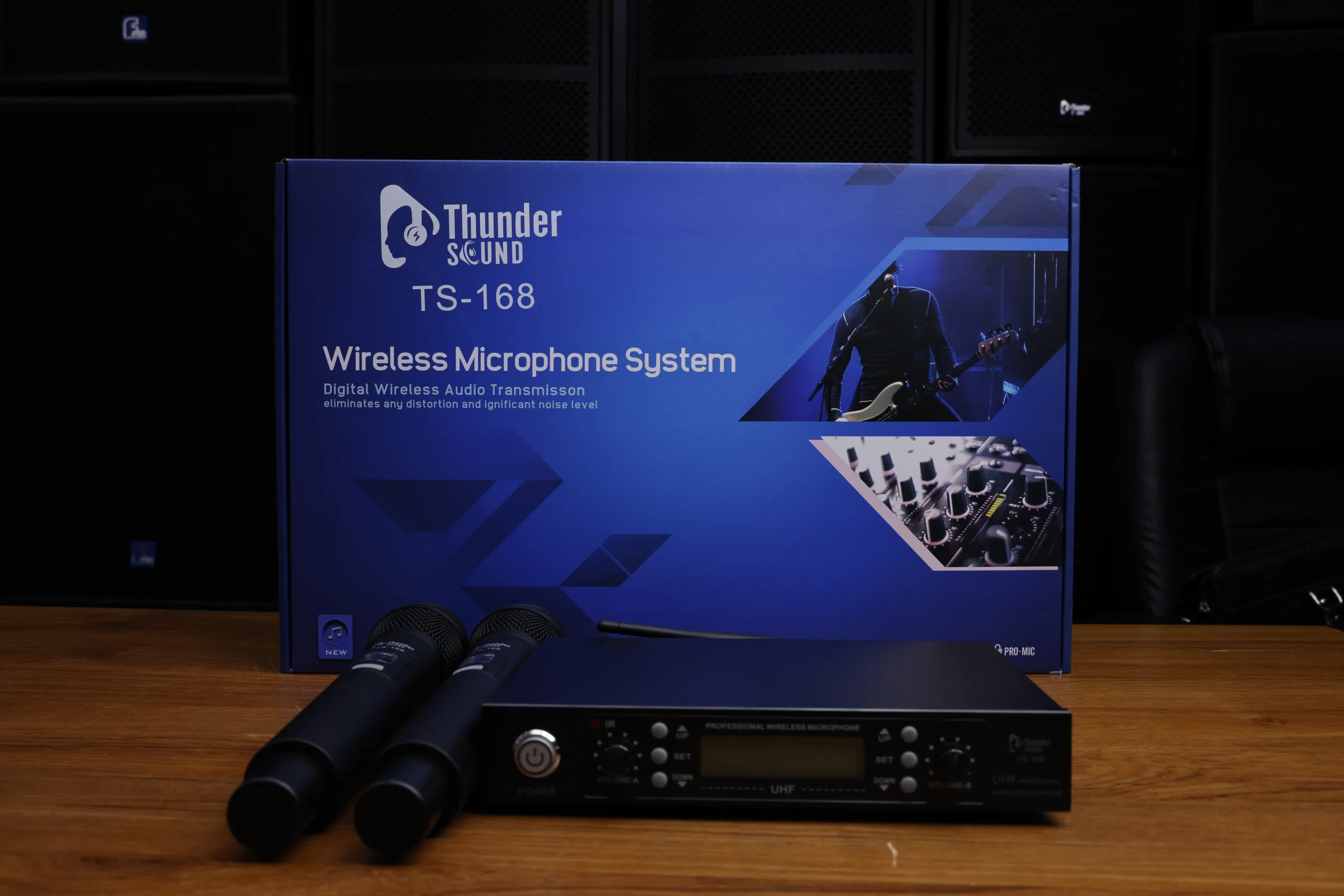
The Thunder Sound TS-168 is presented as a digital wireless microphone system. The supplied product photograph shows a receiver unit and two handheld microphones, making it a system worth considering for applications that require two microphone users. The packaging also identifies the product as a wireless microphone system with digital wireless audio transmission.
At Audiocom Kenya Ltd, customers can enquire about professional microphones and audio equipment for churches, event venues, schools, studios and live sound applications. Contact our team to confirm the TS-168’s current price, stock availability, operating specifications and package contents before purchasing.
Key Features of the Thunder Sound TS-168
Explore the main features and practical considerations when choosing this wireless microphone system.
Dual Handheld Microphones
The supplied photograph shows two handheld microphones alongside the receiver, making the system relevant to setups that require two microphone users. Confirm the included components when ordering.
Wireless Operation
A compatible wireless microphone arrangement allows speakers and performers to move around without being physically connected to the receiver by microphone cables.
Digital Wireless Transmission
The product packaging describes digital wireless audio transmission. Refer to the manufacturer’s documentation for confirmed transmission specifications and operating requirements.
Receiver Control Panel
The pictured receiver includes a front control panel with a display, power control and adjustment buttons. Consult the manual for the correct setup procedure.
Stage and Event Applications
A wireless microphone system can be useful for presentations, interviews, worship services, announcements and live performance environments.
Professional Sound Integration
Connect a compatible receiver to a mixer or sound system using the supported outputs and cables. Confirm the required connections before installation.
Thunder Sound TS-168 Wireless Microphone Gallery
View the supplied product images of the Thunder Sound TS-168 and wireless microphone equipment.
Thunder Sound TS-168 System
The complete system pictured with its receiver, two handheld microphones and product packaging.
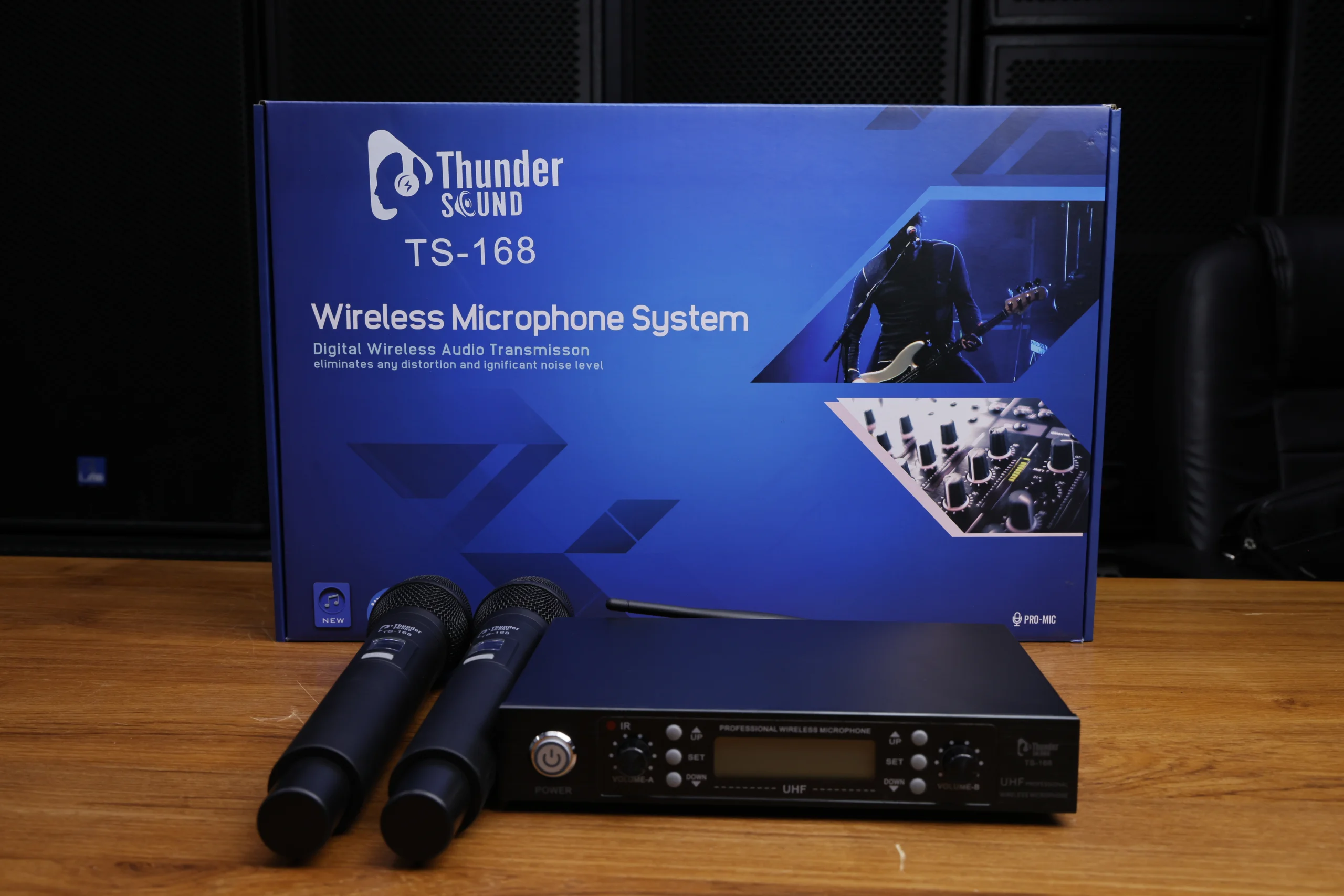
TS-168 Product View
Explore the Thunder Sound TS-168 product presentation.
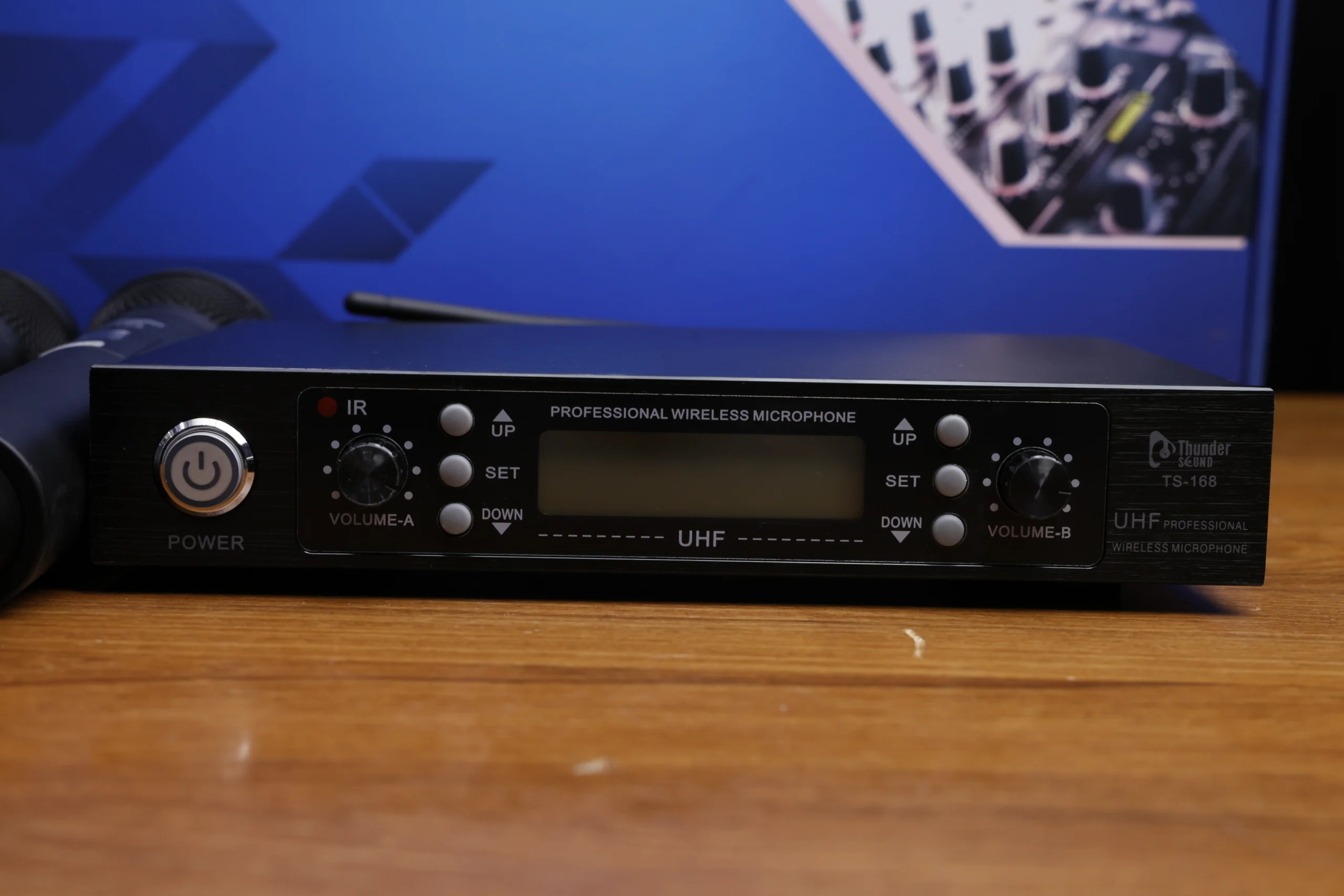
Wireless Microphone in Kenya
A product image for customers exploring wireless microphones in Kenya.
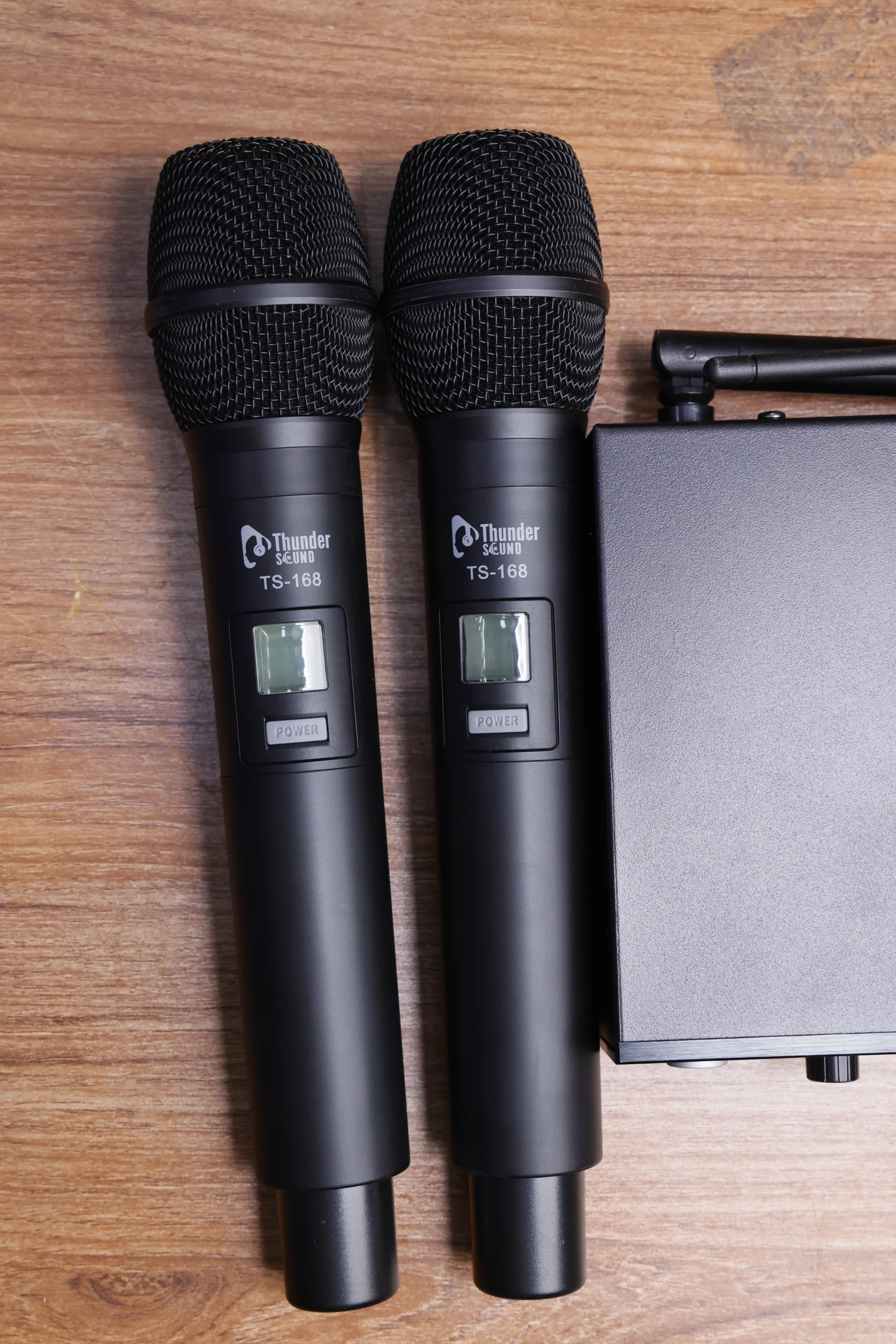
Thunder Sound Microphones
View the wireless handheld microphone equipment.
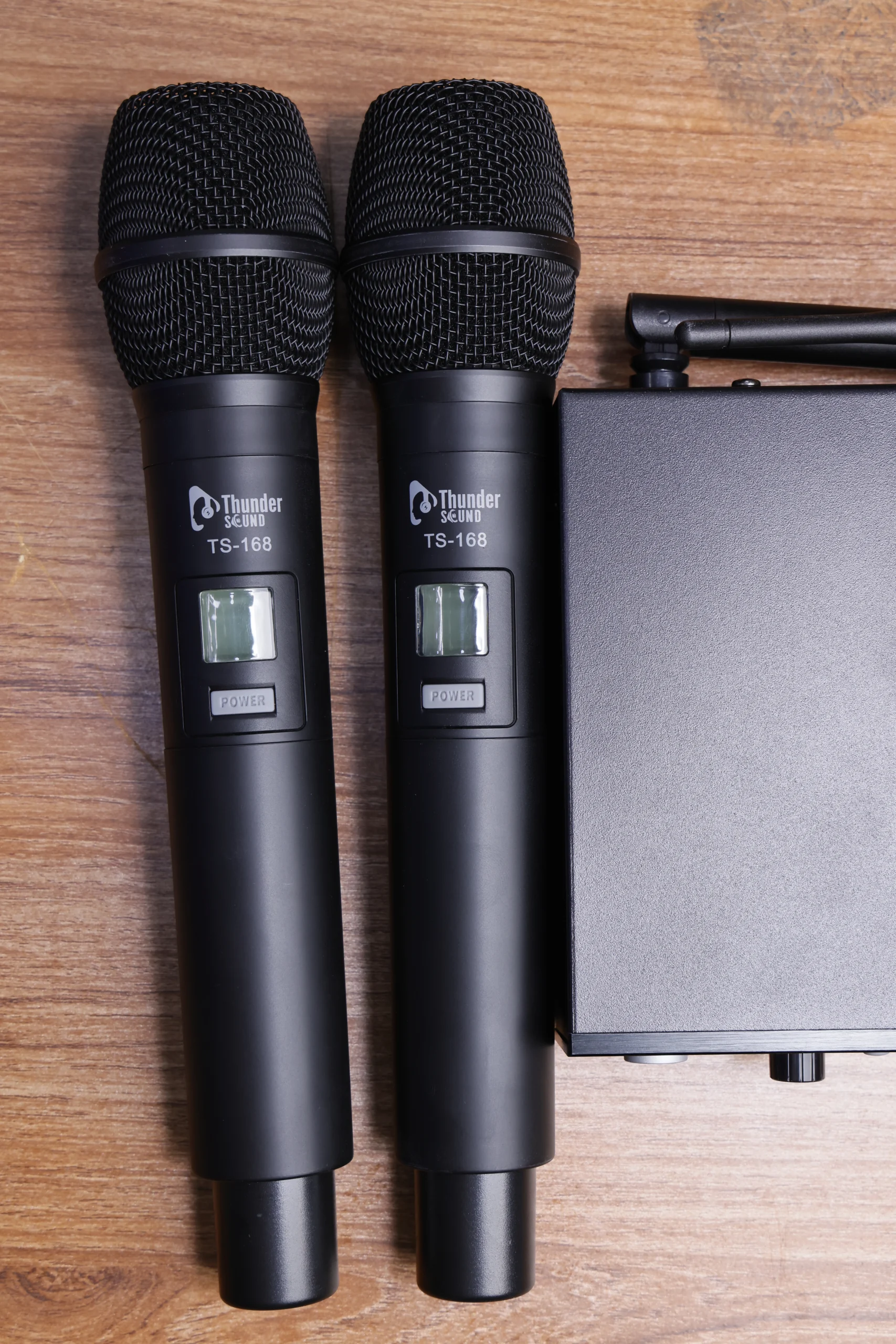
Dual Wireless Microphone System
Explore a two-microphone arrangement for applications involving multiple speakers or performers.
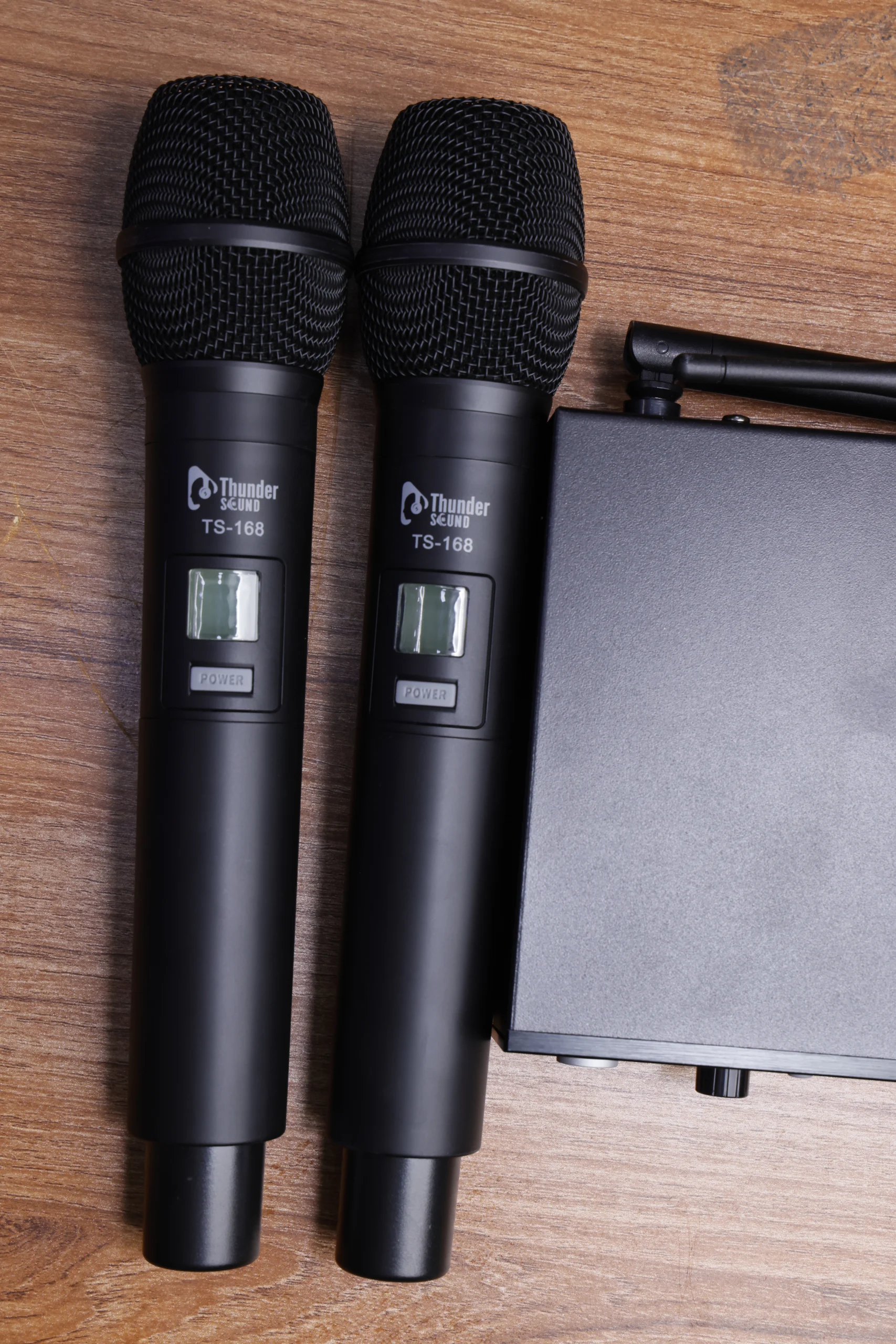
Wireless Microphone Equipment
A supporting product image for wireless microphone equipment.
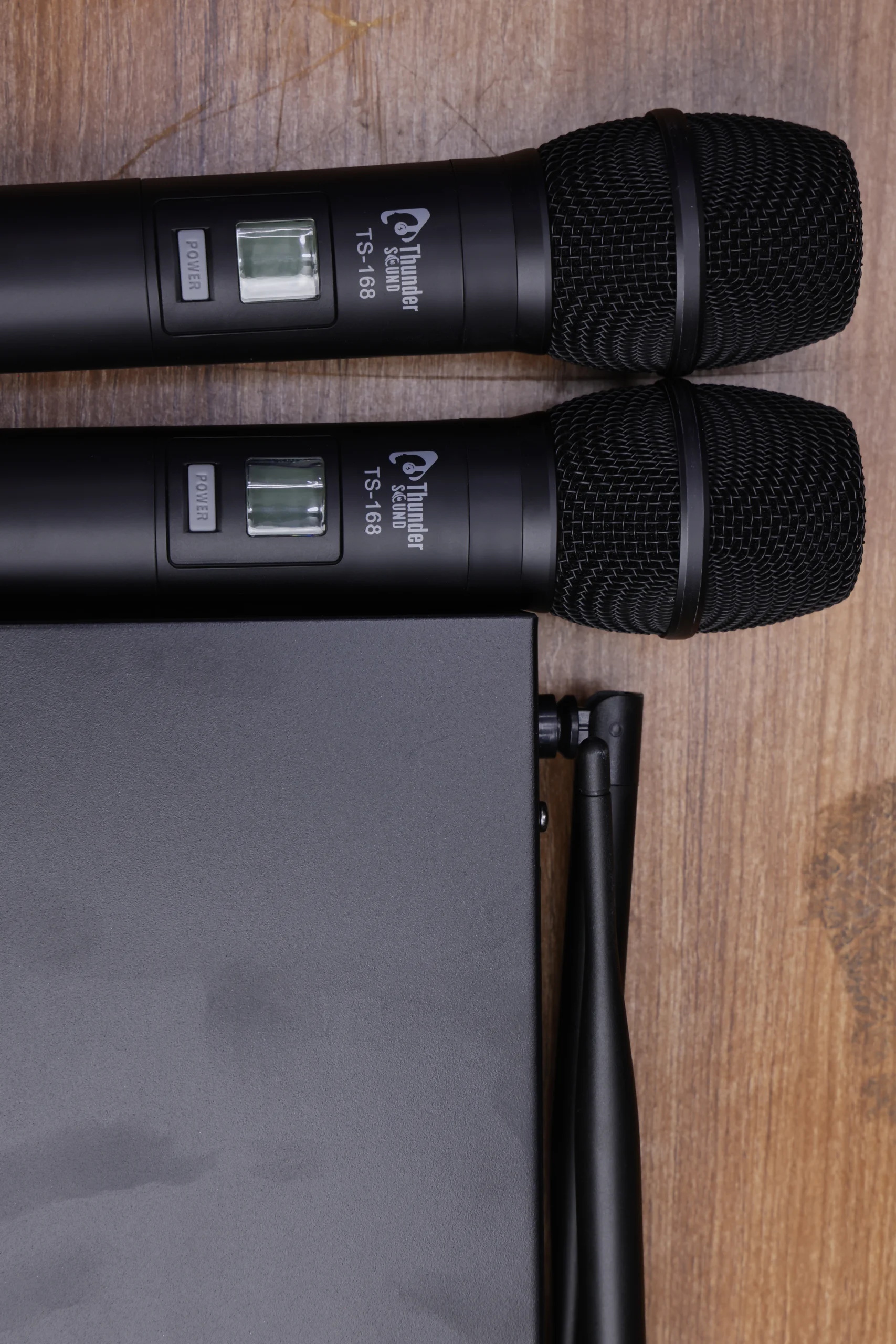
Professional Wireless Microphone
Explore wireless microphone equipment for professional audio applications.
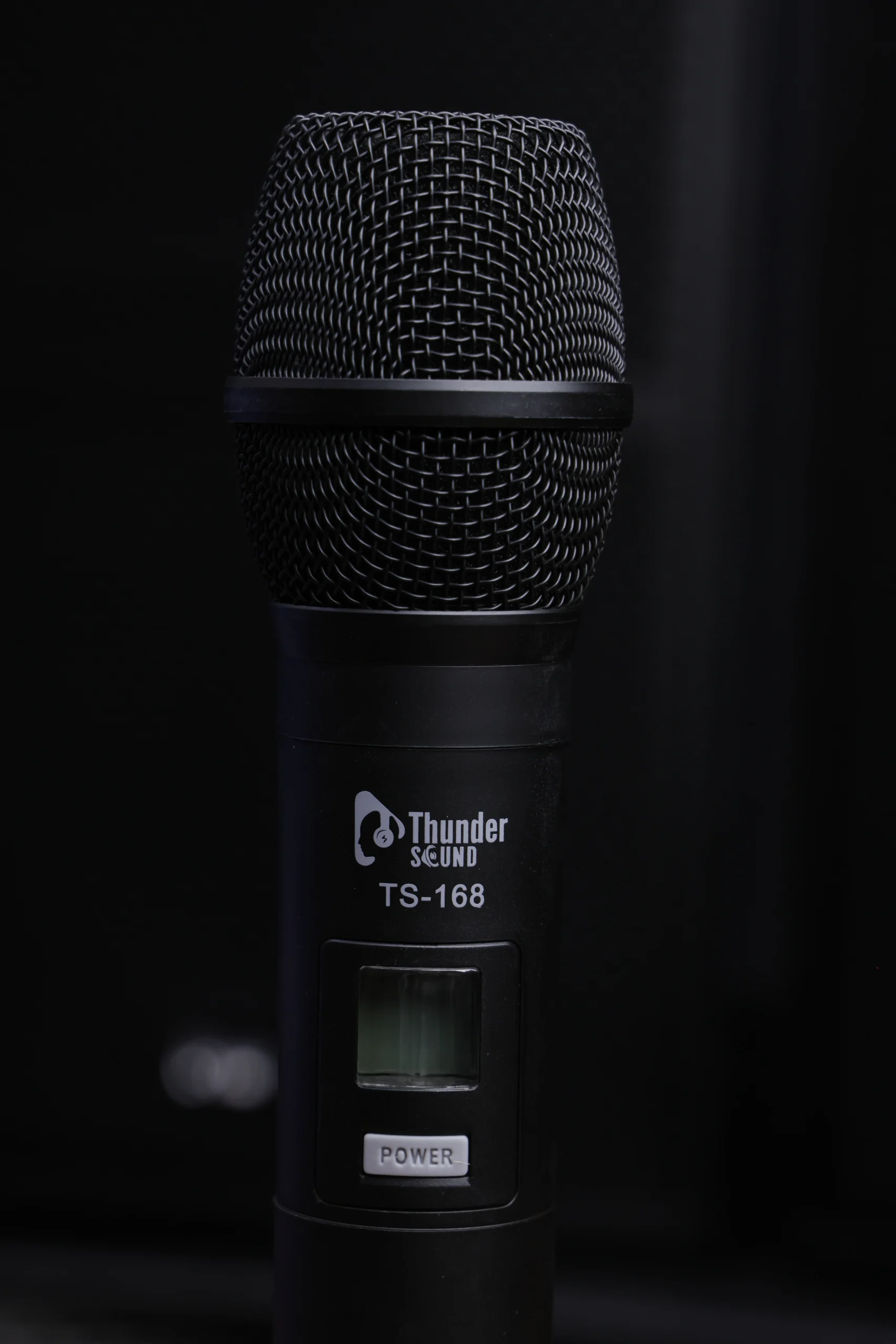
Wireless Microphone Price in Kenya
Contact Audiocom Kenya for current product pricing and availability.
Where Can You Use the Thunder Sound TS-168?
Choose a microphone system that suits your venue, sound requirements and intended application.
Churches and Worship Teams
Wireless microphones can support sermons, announcements, interviews and worship performances where freedom of movement is useful.
Conferences and Presentations
Suitable wireless microphone arrangements can help presenters address audiences while moving around a stage or meeting room.
Live Music and Entertainment
Wireless microphones can be incorporated into compatible live sound setups for singers, hosts and entertainers.
Schools and Institutions
Consider wireless microphones for assemblies, ceremonies, educational presentations and public announcements.
Hotels and Event Venues
Wireless microphone systems can support speeches, event hosting and functions when correctly configured with the venue’s audio equipment.
Sound Installations
Integrate a compatible receiver into an existing mixer, amplifier or PA system after checking its input and output requirements.
How to Set Up a Wireless Microphone System
Correct setup helps you achieve reliable operation and clear sound. Follow the product manual for the specific controls and procedures supported by the Thunder Sound TS-168.
1. Position the Receiver
Place the receiver on a stable surface in a suitable location with an appropriate connection to your sound equipment.
2. Connect to Your Audio System
Use the supported audio output and the correct cable to connect the receiver to a mixer or compatible sound system. Check input levels before use.
3. Prepare the Microphones
Install the correct batteries or power source according to the manual. Follow the manufacturer’s instructions to pair or synchronise the microphones if required.
4. Check the Wireless Signal
Test each microphone separately and check for interference, dropouts or unwanted noise. Follow the manufacturer’s guidance when selecting frequencies or channels.
5. Adjust the Audio Levels
Start with conservative gain settings, then adjust the receiver and mixer levels to achieve a clear signal without distortion or feedback.
Buying a Wireless Microphone in Kenya
Check the Number of Microphones
If you need two people to speak or perform at the same time, confirm that the package includes two compatible microphones and that the receiver supports the intended use.
Confirm Wireless Specifications
Ask about the operating frequency, supported channels, transmission range and applicable local frequency requirements. Do not assume these specifications without checking the product documentation.
Check Compatibility with Your Mixer
Confirm the receiver’s audio outputs and the inputs available on your mixer, amplifier or powered speaker. Ask about any cables or adapters needed.
Consider Your Venue
The venue layout, distance from the receiver, physical obstructions and other wireless equipment can affect performance. Test the system in its intended environment whenever possible.
Ask About Price and Warranty
Contact Audiocom Kenya to confirm the current Thunder Sound TS-168 price, package contents, stock availability and warranty terms before making your purchase.
Why Choose Audiocom Kenya?
Find audio equipment for music, performance, public address and professional sound applications.
Audio Equipment
Explore microphones and sound equipment for a range of audio applications.
Product Enquiries
Ask about product prices, stock availability and package details before ordering.
Compatibility Guidance
Discuss your current sound system and confirm the connections required for your installation.
Convenient Contact
Contact the team by phone or WhatsApp to enquire about the Thunder Sound TS-168.
Frequently Asked Questions
What is the Thunder Sound TS-168?
The Thunder Sound TS-168 is presented as a digital wireless microphone system. The supplied product image shows a receiver and two handheld microphones.
Does the TS-168 come with two microphones?
The supplied photograph shows two handheld microphones. Confirm the exact retail package contents with Audiocom Kenya before purchasing.
Can I use the TS-168 in a church?
Wireless microphones can be useful for sermons, announcements and worship services. Check the TS-168’s specifications and compatibility with your existing sound equipment.
Can I connect the receiver to a mixer?
A wireless receiver can connect to a compatible mixer using the supported audio output and appropriate cable. Confirm the TS-168’s actual output connections before installation.
What is the price of the Thunder Sound TS-168 in Kenya?
The current selling price has not been confirmed in this article. Contact Audiocom Kenya on 0799 012 012 to enquire about the latest price and availability.
What is the wireless range of the TS-168?
The exact operating range has not been verified here. Consult the product documentation or contact Audiocom Kenya for the manufacturer’s stated range and recommended operating conditions.
Where can I buy the Thunder Sound TS-168 in Kenya?
Contact Audiocom Kenya Ltd on 0799 012 012 or visit the store at the junction of Luthuli Avenue and Kamae Lane, Nairobi, to enquire about availability.
AUDIOCOM KENYA LTD
Get the Thunder Sound TS-168 Wireless Microphone in Kenya
Looking for a wireless microphone system for your church, business, school, event venue or live performance? Contact Audiocom Kenya to enquire about the Thunder Sound TS-168, current pricing and availability.